Want to try Baby Tracker?
It is invite-only for now. Request an invite and we will email you when sign-up opens.
USER GUIDE
Six short chapters, from adding the app to your home screen to keeping health records. Each one takes a couple of minutes.
Chapter 1 of 6
Baby Tracker runs in your phone's browser. Adding it to your home screen makes it open full screen, like an app from a store.
Tip: Use the home screen icon rather than a browser tab, so the app opens full screen and you stay signed in.
Chapter 2 of 6
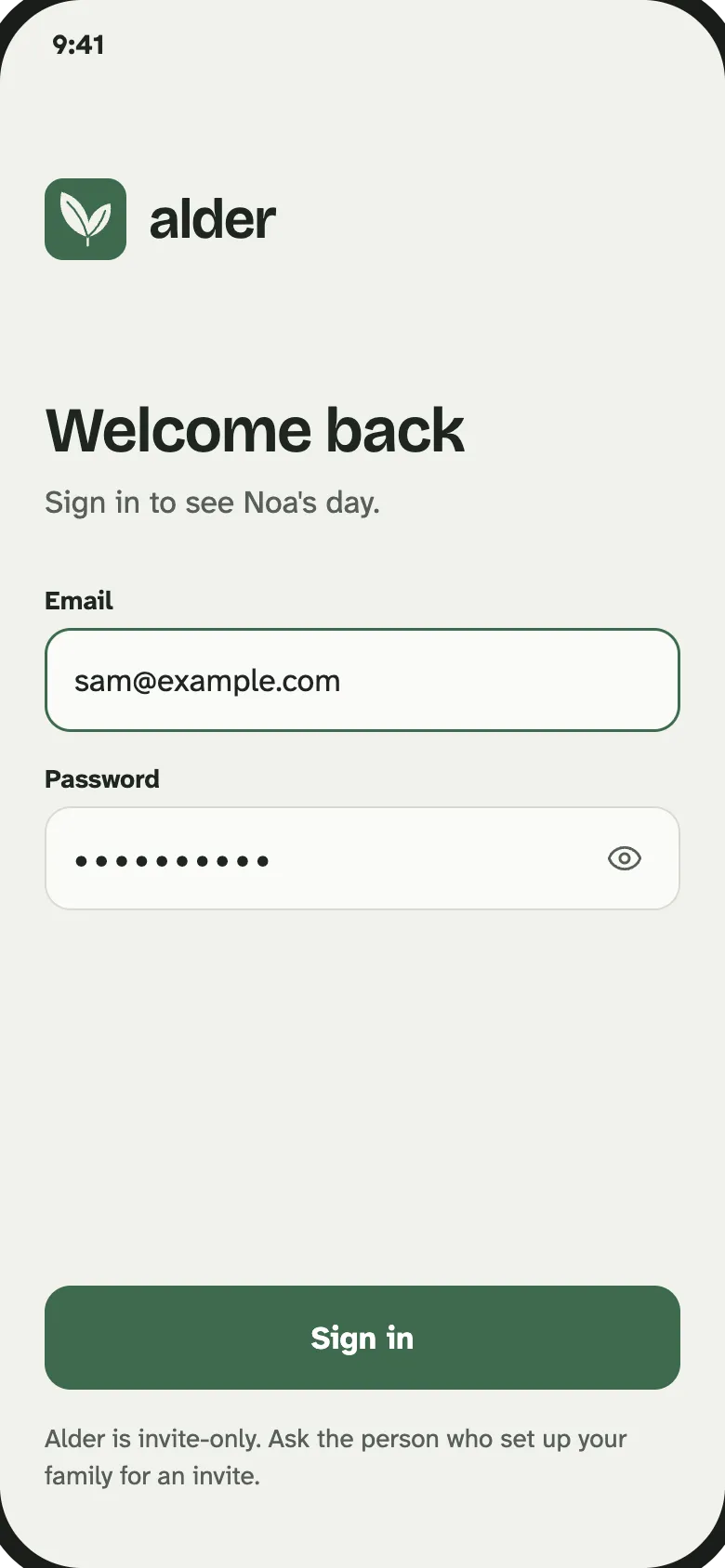
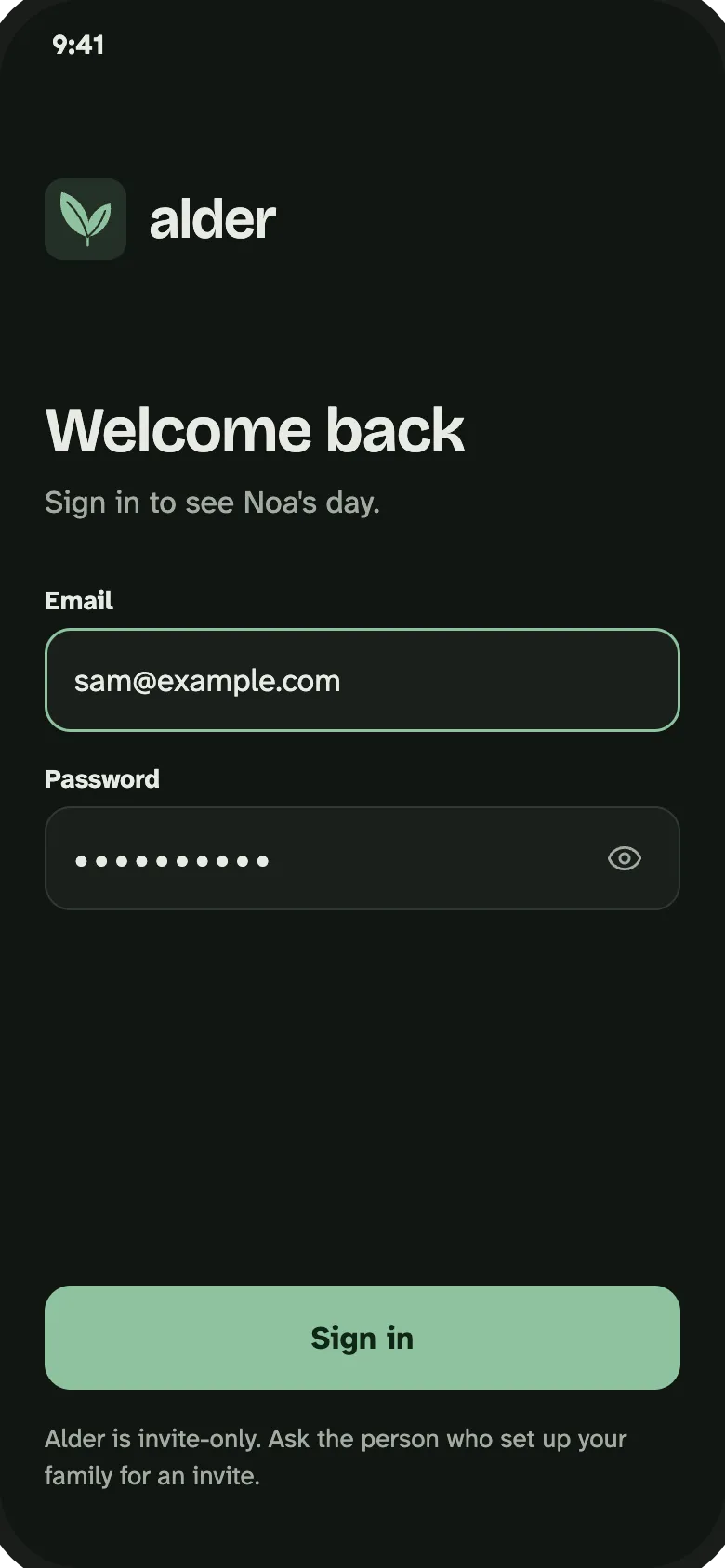
Baby Tracker is invite-only for now, so you need an invite to sign in. The first time you open the app you sign in and add your baby. It takes about a minute.
Chapter 3 of 6
Everyone you invite joins your family and logs into the same record. There is no limit to the number of caregivers.
Tip: Sharing is free. Your partner does not need a separate subscription.
Chapter 4 of 6
Each activity opens in a sheet at the bottom of the screen, with large controls you can reach with one thumb.
Chapter 5 of 6
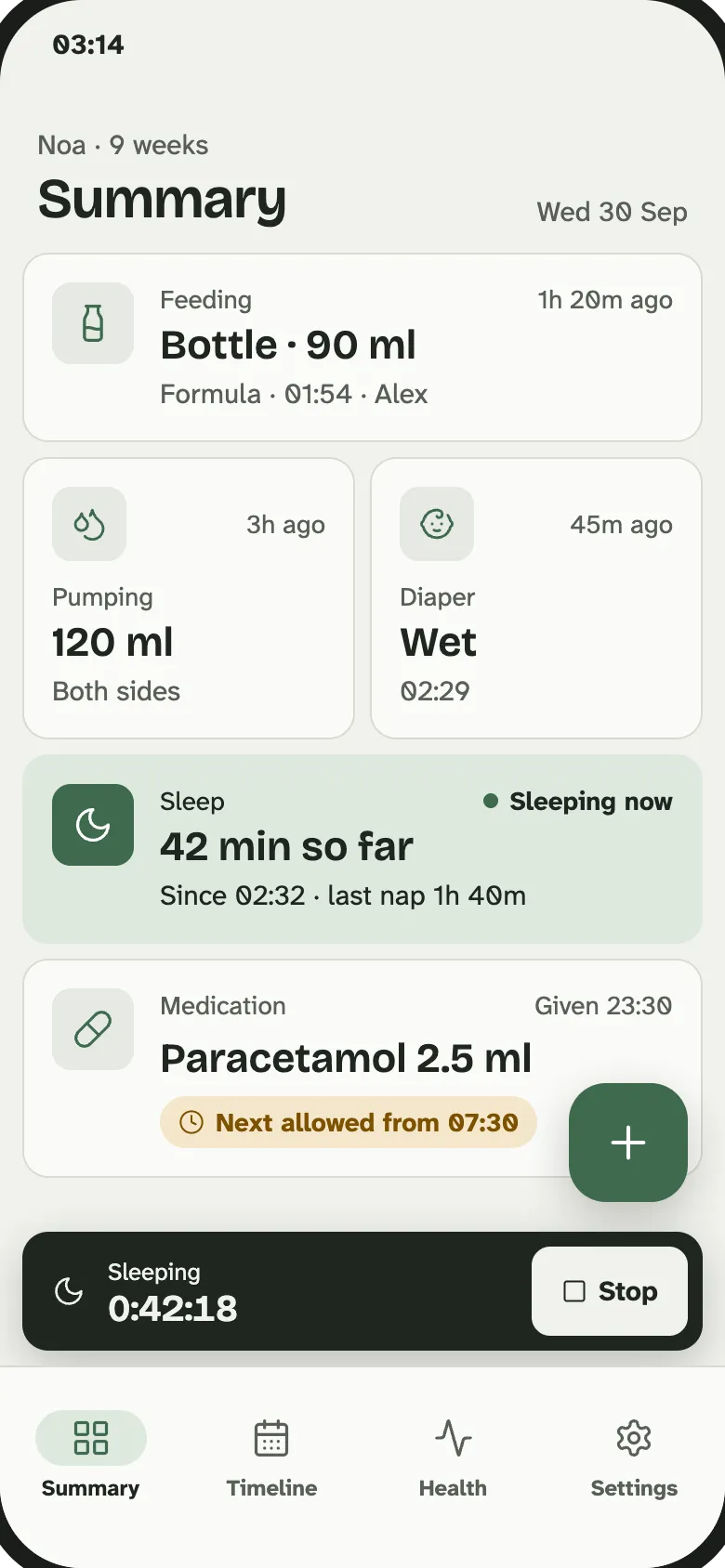
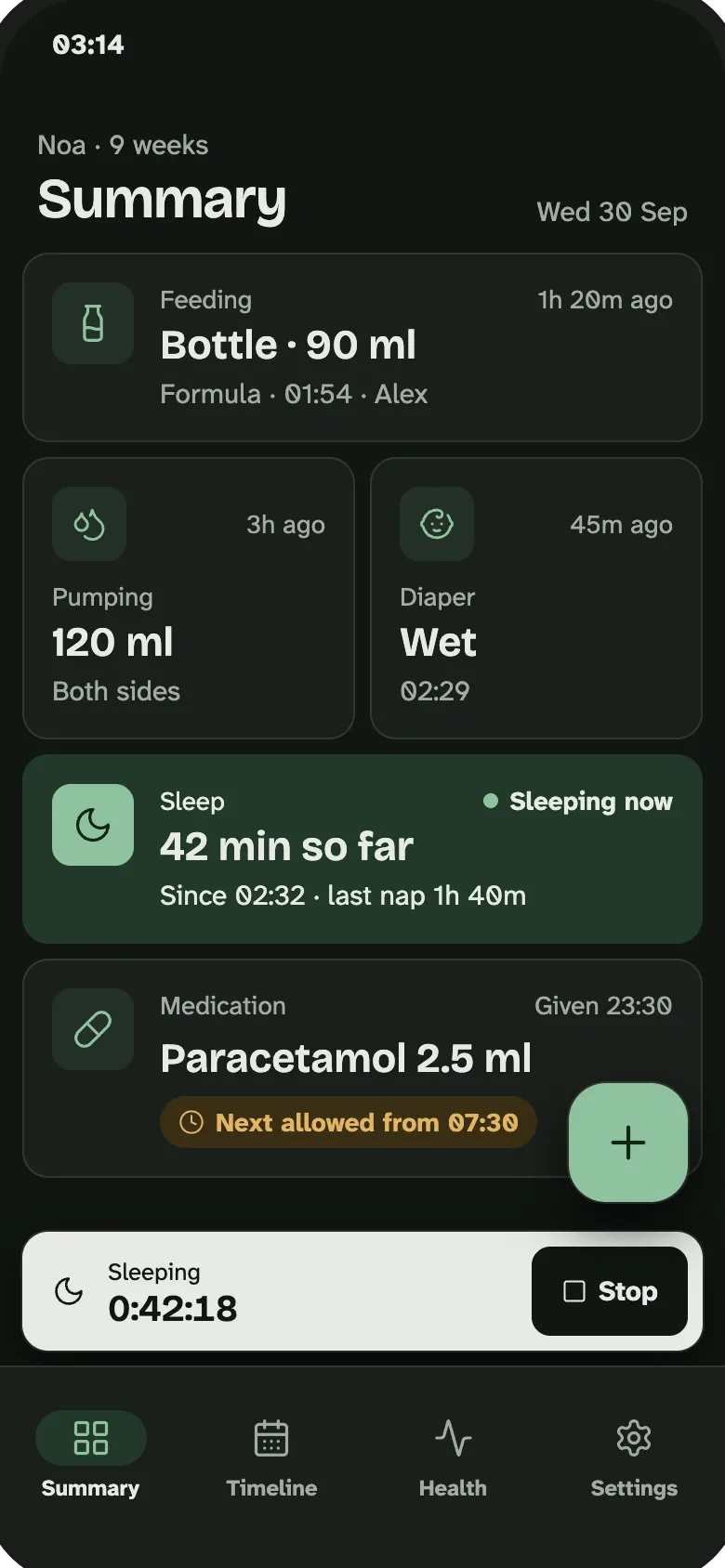
Two views of the same record: the latest of everything, and the whole day in order.
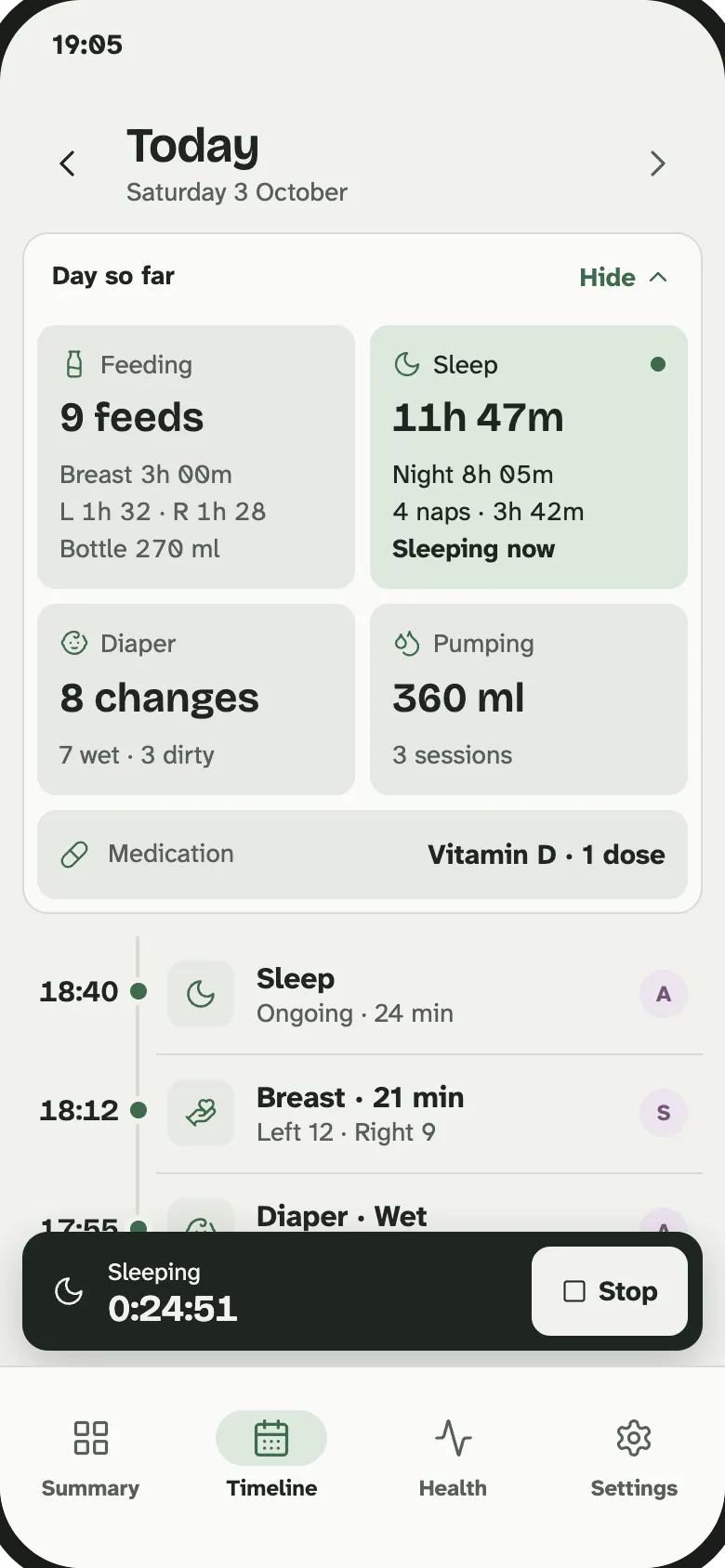
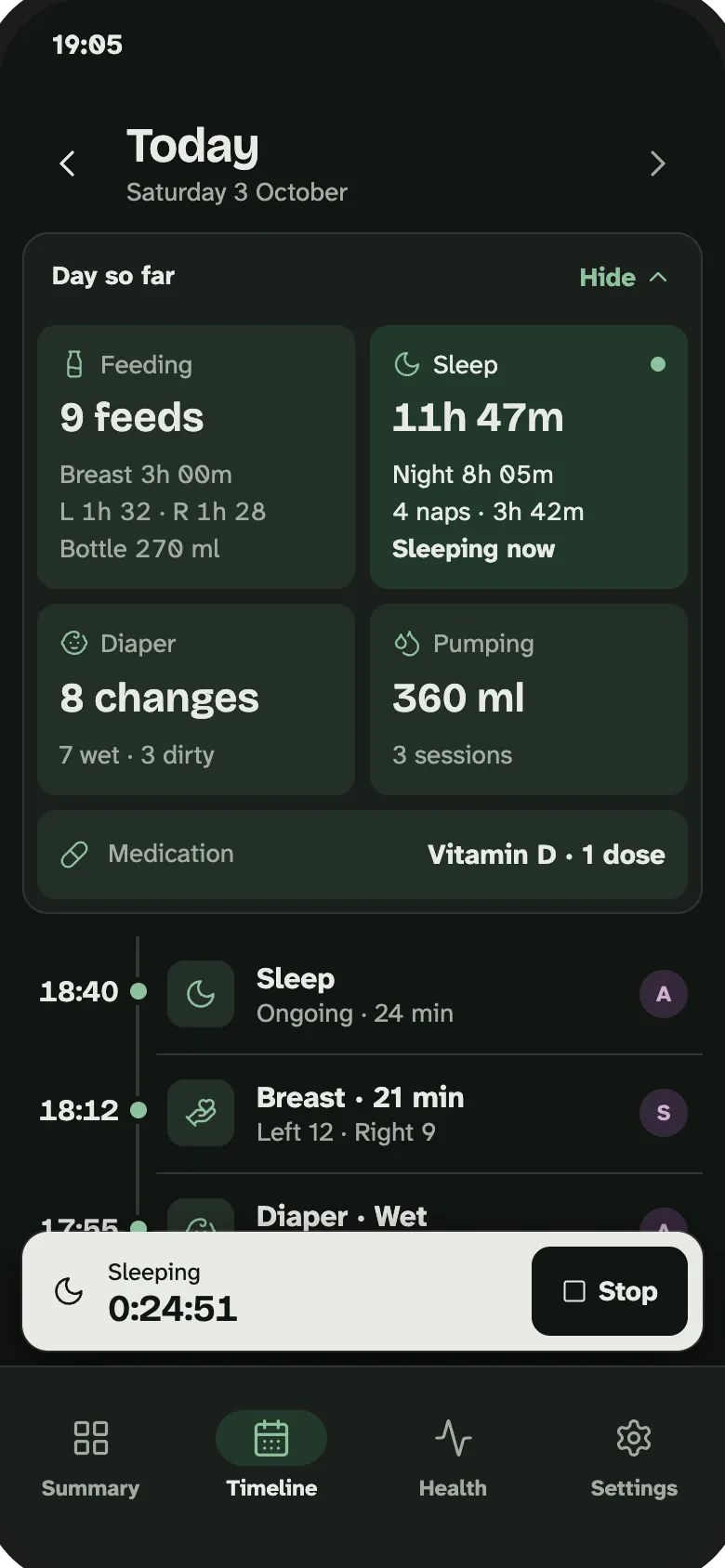
Tip: Check the Summary before you take over from your partner. It answers most handover questions.
Chapter 6 of 6
Growth, vaccines and medicine live together in the Health tab, ready to show at appointments.
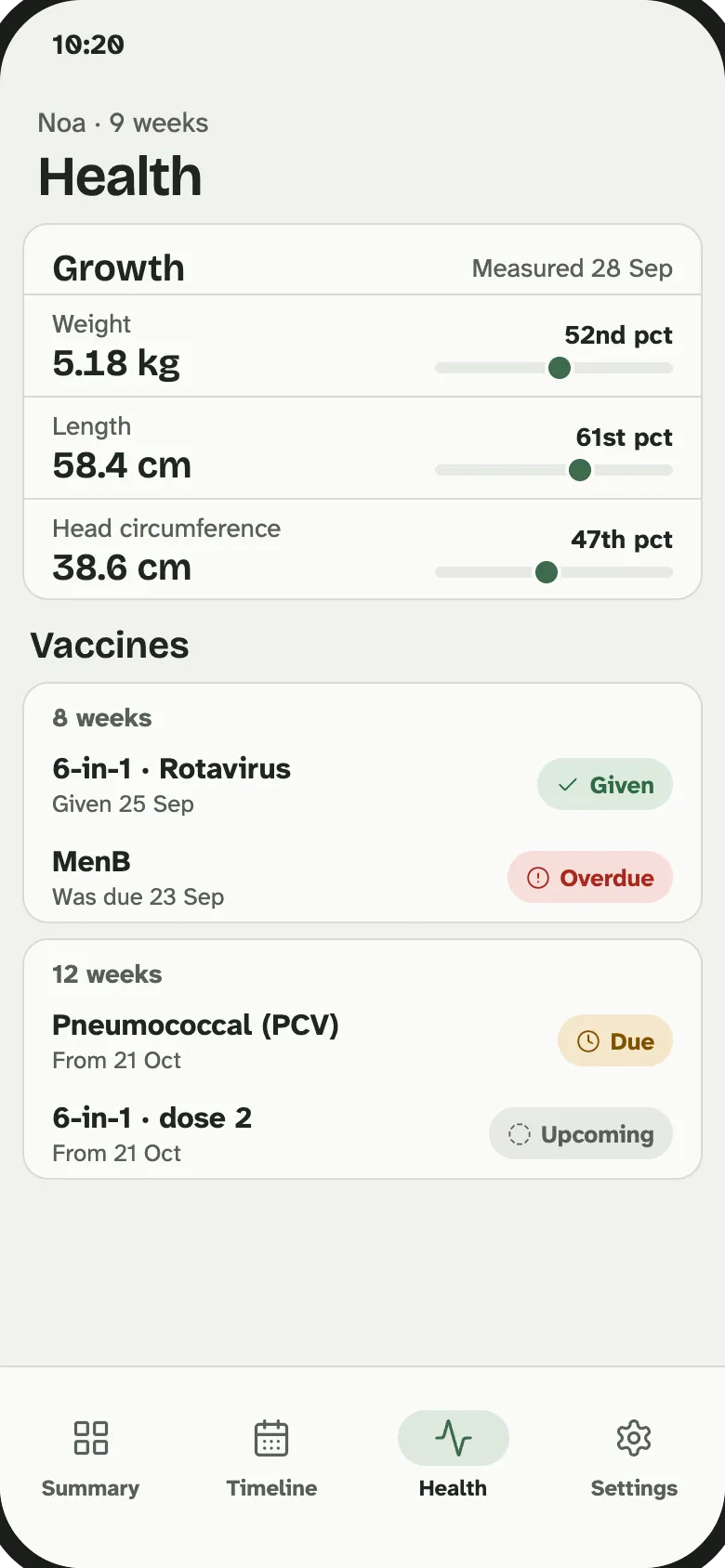
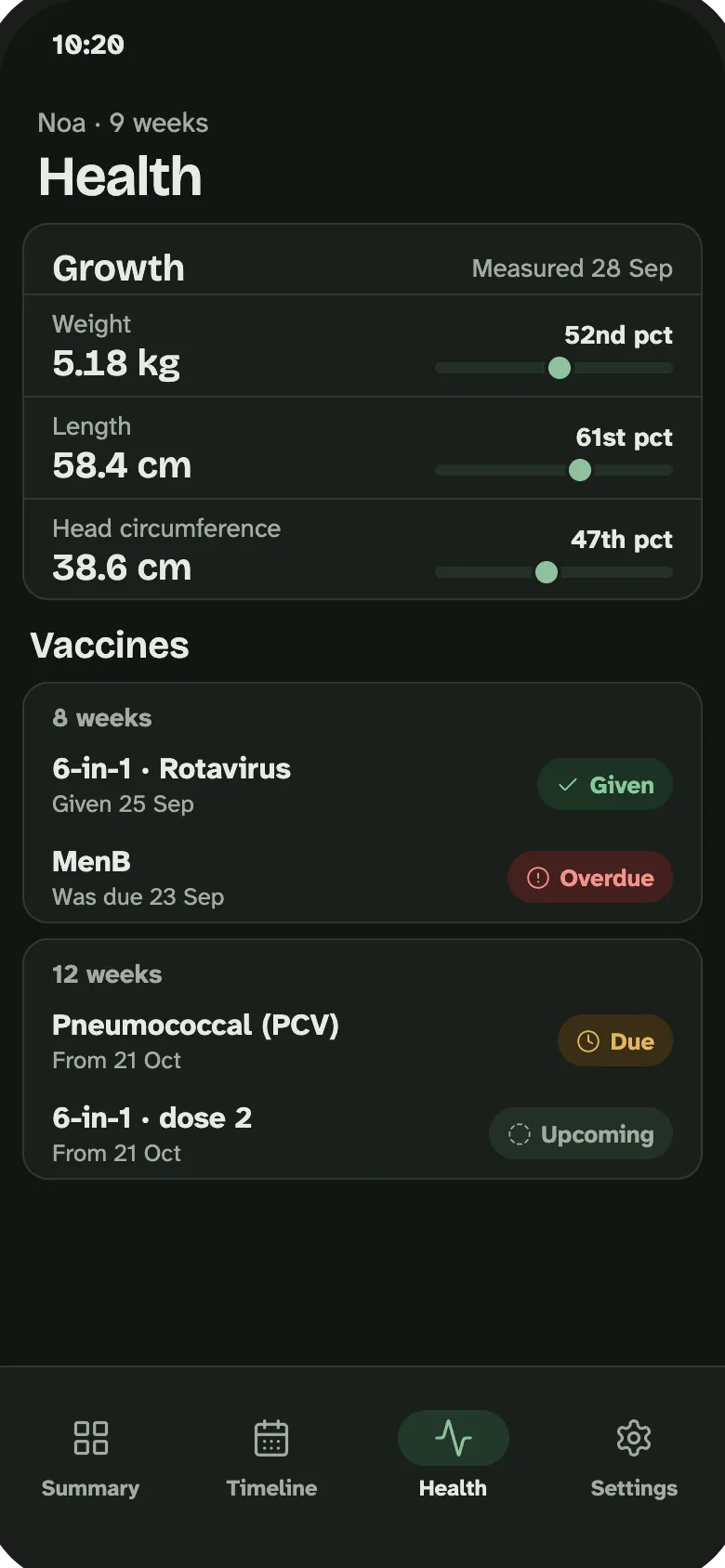
This is general information, not medical advice. For decisions about your baby's health, see your doctor.
Tip: Baby Tracker keeps a record. Decisions about health belong with you and your care team.
It is invite-only for now. Request an invite and we will email you when sign-up opens.